8 End of Day Routine Ideas to Review Progress in 2026
Eight practical end of day routine ideas for reviewing progress and planning tomorrow, with setup steps you can start tonight on your Mac.
You shut the laptop. The room gets quiet. Then the unfinished task starts again. A support reply. A checkout bug. A demo you meant to record. It replays through dinner, and rest never quite starts.
An end of day routine is a short, repeatable sequence. You review what happened, capture loose ends, and set tomorrow's first decision before you leave the desk. It is not a second shift. It is not a long reflection habit that dies by Thursday.
These eight routines run from fastest to most involved. Each one is a finishable step you can set up in under 10 minutes tonight, with a closing action tied to tomorrow morning. Use one alone, or stack the next once the first feels automatic.
A stable clock time beats a perfect script. The National Sleep Foundation's 2019 Sleep in America survey of 1,001 U.S. adults found that people with the most consistent weekday sleep schedules were about 1.5 times more likely to report feeling well-rested. 52–56% in the regular group woke feeling well-rested on weekdays, versus 34–38% in the most variable group, in the 2019 Sleep in America survey.
A bedtime you can't keep fails. A short sequence at the same hour, even on messy days, is the part that holds.
1. Run an Evening Task Check-In
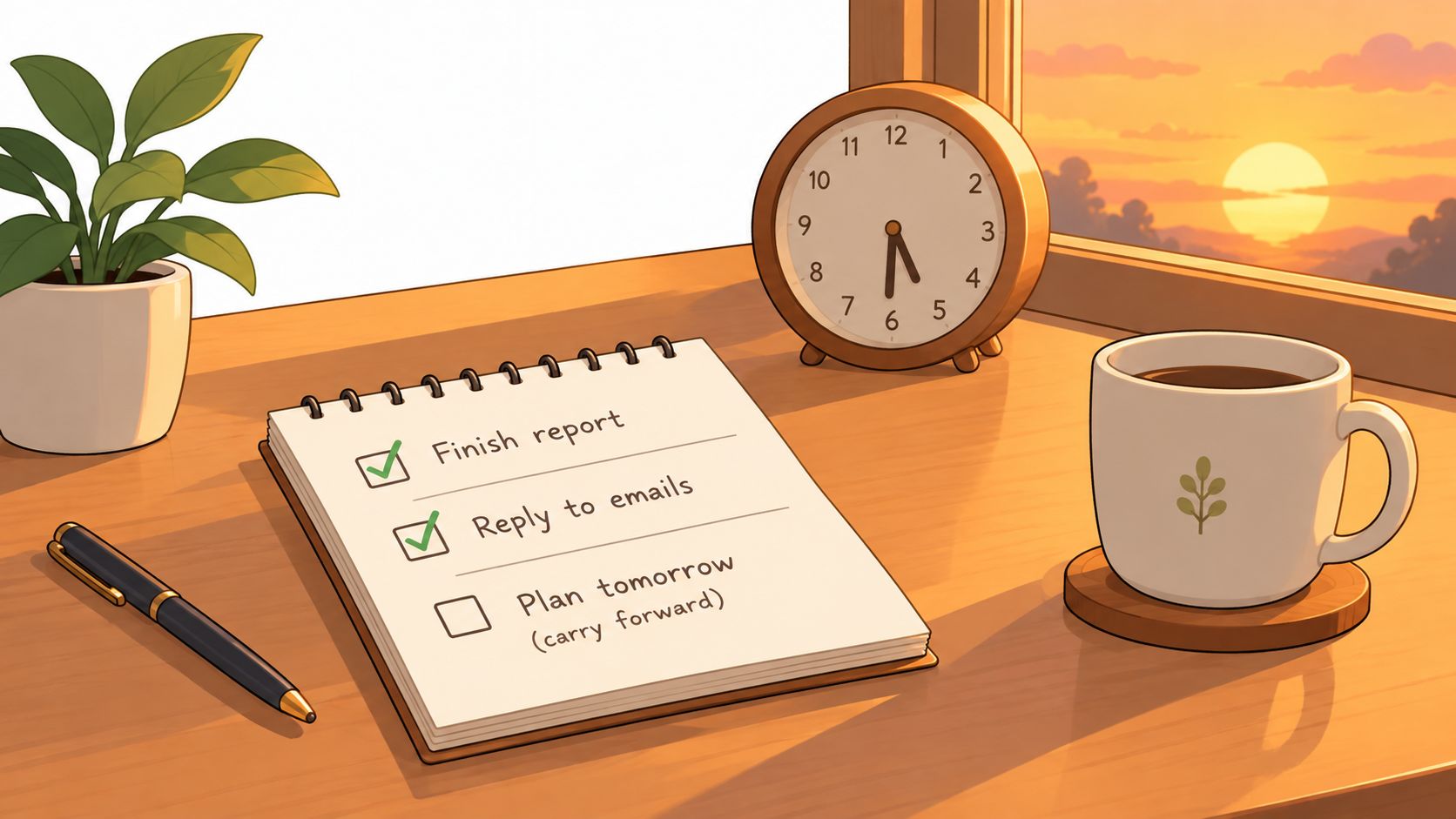
Open this morning's list and mark each task done or not done. Three items. No story. A solo founder who finishes two of three moves the third to the top of tomorrow. An indie developer who sees every marketing task slip for a week stops calling it a busy week and calls it a pattern.
That is the whole loop. You compare the plan with what shipped, then you decide where the leftover goes. Dropping it in silence is how a small task becomes a week of guilt.
An in-the-wild study of 24,265 time-stamped tasks from 957 users found 77.6% of timed tasks finished later than intended, with a mean delay of 3.9 hours. Creation peaked in the evening and completion clustered around midday, in this task timing study. A long night list fights that pattern.
- Write finishable actions: "Fix checkout bug on pricing page" beats "Improve checkout."
- Pick one clock time: Run the check about 30 minutes before you stop, not when you feel done.
- Move work on purpose: Carry the unfinished task forward, or park it. Don't pretend it vanished.
- Stop at three: A fourth item means the morning plan was already too big.
In a Mac evening check-in, the review can ask which of the morning's three tasks got done, so you aren't relying on memory. Closing action tonight: set that time, and make tomorrow's first line the task you didn't finish.
2. Perform a Shutdown Complete Ritual
A checklist of open tasks is not the same as being done. High-demand days are exactly when your brain keeps the work open. In a two-week diary study of 93 employees across 514 workdays, workload and self-control demands were negatively tied to detaching right after work, while detachment right after work was positively tied to later exercise that day, in this detachment and recovery study. The useful move is a fixed cue, a record of what is done and deferred, one next action, then an explicit close.
Computer science professor Cal Newport popularized ending the day by scanning open commitments and tomorrow's schedule, then saying "shutdown complete." The phrase is a switch, not a motto. A solo SaaS builder can do the same on a Mac: update the list, close the work apps, and stop.
Keep the whole ritual under 10 minutes. A longer version becomes another work block, which is the failure mode.
Boundary test: If you are still replying, opening dashboards, or "just checking sales," you have not shut down. You have started a second shift.
Pair the phrase with a macOS Focus mode so work notifications stop when you say it. Scan messages once so nothing urgent is unseen, then leave them. India's proposed 2025 Right to Disconnect Bill would let employees refuse work calls and emails outside agreed hours, and its rationale links after-9 p.m. replies with poorer sleep, in the Right to Disconnect Bill text. You may not have that law. You can still publish a response window and name one emergency channel. Closing action: write the cue you'll use tonight, and the single task tomorrow starts with.
3. Do an End-of-Day Mind Sweep
A developer ends a long session with three loose threads: a half-finished refactor, a customer email, and a feature idea. None of them is on the task list. All three will show up in bed unless they land somewhere else first.
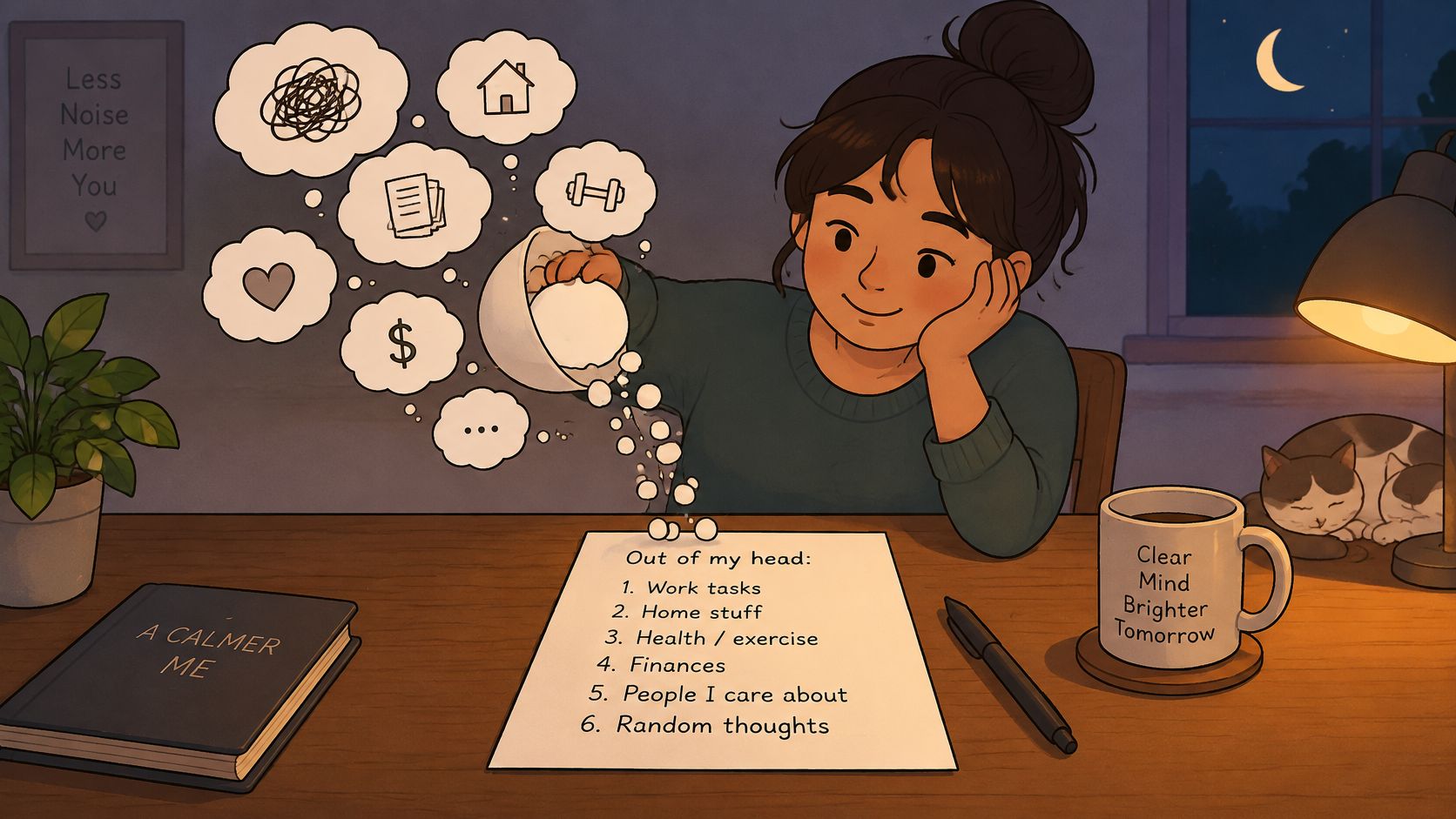
A mind sweep is a timed dump of every open task, idea, and worry, moved from your head onto one list. David Allen's Getting Things Done method treats that capture as the step that makes clear thinking possible. Set a 10-minute timer and write without editing. Give each line a next action, or label it someday or delete. An indie maker can leave the sorting light on weeknights and clear the pile in a Friday review.
When the sweep wakes you up
Recent U.S. sleep research found 32% of adults prioritize work or school over the recommended amount of sleep, and 26% prioritize phone screen time over sleep, in the 2025 sleep prioritization survey. A sweep that turns into replies, dashboards, or one more fix is work extension. A two-minute brain dump plus tomorrow's first task reduces uncertainty. Opening the product and chasing a customer does the opposite.
- One capture place: If the list lives in three apps, you won't trust it.
- No acting during capture: Write the email subject. Don't send the email.
- Feed the morning plan: Only items that must happen tomorrow join the three-task list.
Closing action: start the timer, dump the open loops, and star the single item tomorrow should see first.
4. Choose Tomorrow's Three Priorities
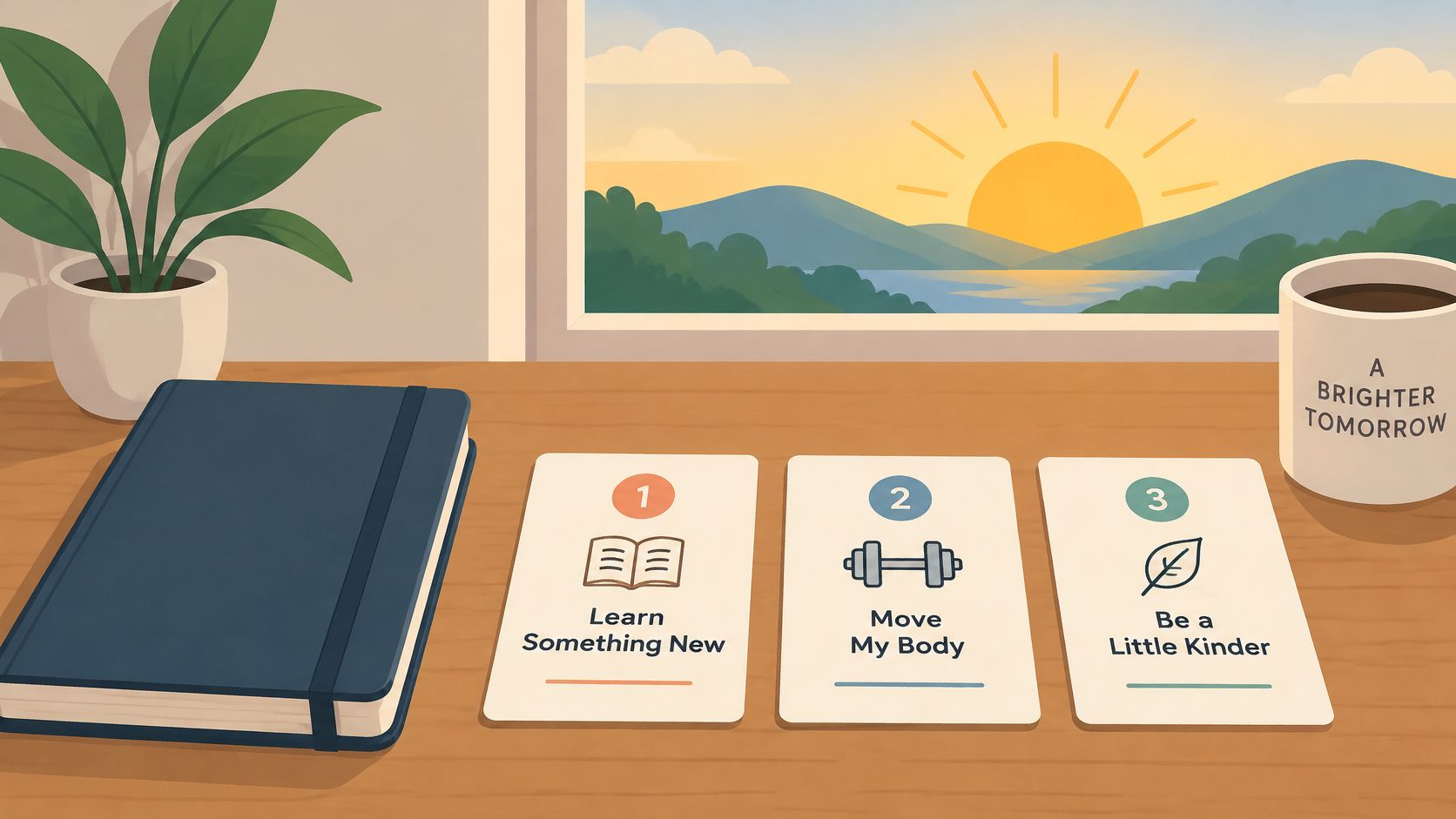
If you could finish only three things tomorrow, which three would make the day worthwhile? That question is the routine. Everything else goes on a later list.
An indie hacker might lock "Ship onboarding email fix," "Write two support replies," and "Record a 3-minute demo video." A solo builder usually does better with one deep-work task and two small admin tasks, so the day is neither all focus nor all chores. Put the hardest task first. If a line isn't specific enough to finish in one sitting, shrink it until it is.
When tonight's check-in flags a miss, read the pattern before rewriting the plan. A task you never opened points to a planning problem: the line was too vague, too big, or booked against a wall of calls. Three tasks started and none finished points to interruptions. The fix there is a protected first block, not a new list, and naming the three tonight is what makes that distinction visible tomorrow evening.
Attach each priority to a cue. "If the first work block starts, then open the client brief before email." A bare task name still waits for a decision you won't want at 9 a.m.
Choosing the three at night means tomorrow's first decision is already made. A planner that asks for up to three tasks when your Mac opens only works if you picked them before closing the laptop. Closing action: write the three lines, order them hardest first, and leave the notebook or app on that screen.
5. Review Time Spent on Distracting Websites
Limits you set in the morning and never look at again don't change the week. The evening review is where you see whether the cap held.
Start with one site, the one you open when the hard task gets uncomfortable. A builder who sets 30 minutes on a social site and then sees 90 minutes on weekdays has a real number, not a vibe. A developer who finds most video-site time landing after 9 p.m. should cut that window, not the whole day at once.
A randomized field experiment found that automatically blocking distracting sites helped people finish about 8 more tasks per hour and earn about $0.80 more per hour than a baseline group. Self-chosen blocking did not produce the same gain, in this website-blocking experiment. Willpower is a weak default. A limit that turns on by itself is the stronger design.
A separate field study of 32 information workers also found higher reported productivity and longer focus when non-work distractions were blocked. Some people swapped scrolling for a physical break. Others with lower self-control focused longer, skipped breaks, and felt more stress, in Microsoft's distraction-blocking study. Unbroken screen time is not the win.
- Compare the week, not one bad hour: Note which days drift.
- Pick a response: Limit, block, or leave it alone. Changing all three every night is noise.
- Log breaks too: Ask whether the cap protected focus and still left room to stand up.
On a Mac, a monitor that reads the active site and time in Safari or Chrome, not the page contents, is enough for this review. Closing action: name one site, set tomorrow's allowance, and write the number you'll compare against tomorrow night.
6. Check Daily Sales and Revenue
For a product with customers, "how did today go" is partly a number. Check it once, at the close, not every time Stripe pings your phone.
An indie SaaS founder sees one new subscription and adds a single onboarding follow-up for tomorrow. A solo seller lays the day's sales next to the task check and notices conversions dropped after a pricing change. The number is useful only if it produces one next action, or a clear decision to do nothing.
What a useful revenue glance includes
- One look: Repeated checks turn a metric into an evening distraction.
- One action: A failed payment, a new customer, or a quiet day each gets a single tomorrow task, or none.
- A weekly read: One slow Tuesday is not a strategy change. The week is.
- A setup check: The first time, confirm the figure matches the payment dashboard.
Read-only keys for Stripe or Dodo Payments, stored in the Mac Keychain, keep that glance on the machine. A sales tracker on the desktop can show daily revenue and monthly recurring revenue without another browser tab. If a zero-sales evening makes you want to "fix it" at 10 p.m., write the follow-up and close the dashboard. That urge is the same re-engagement problem as answering one more email.
Closing action: open the number once, write tomorrow's single revenue-related task if one exists, and quit the tab.
7. Set Quiet Hours and Wind Down Notifications
Accountability that runs all night is just an on-call shift. Quiet hours are the stopping rule for the tools themselves. Papa's free version builds this in, alongside a weekly day off and a daily cap on how often it speaks.
Screens near bedtime are the norm, not the exception. In the National Sleep Foundation's 2022 Sleep in America Poll, more than half of American adults said they often looked at a screen within an hour of bed or in bed before sleeping. Watching television was the most common pre-sleep activity, reported by 53% of adults. Bedtime screen use split sharply by age: 71% of younger adults did it, compared with 44% of adults 50 and older. An evening check that turns into another open-ended screen session undoes the shutdown, so the shutdown needs a timer of its own.
A builder who sets quiet hours from 8 p.m. to 8 a.m. and keeps the weekend as a day off has a published boundary. A founder who mutes focus reminders on a launch night, then turns them back on the next morning, is using an exception on purpose. Exceptions you don't name become the new default.
- Match real stop time: Quiet hours that start an hour after you quit get ignored.
- Protect the day off: Catch-up work on that day trains you to skip it.
- Cap the nudges: High enough to matter, low enough that you don't mute the app forever.
- Review monthly: A launch week and a maintenance week should not share the same cap.
Sort messages before the quiet window. Urgent goes to one channel. Everything else waits for the response window you already published. Closing action: set the quiet range tonight, and decide which single alert is allowed through.
8. Log Wins and Reflect in a Short Journal Entry
Task review counts what finished. The journal records what the day proved and where tomorrow should start. Keep it small enough that you will still do it on a bad day.
Use three prompts in a pinned note: Win, Lesson, Tomorrow's first decision. A solo founder might write: "Win: shipped the bug fix. Lesson: testing before release saved an hour. Tomorrow: draft release notes before opening email." That last line matters because it hands the morning plan one concrete first move.
Specific entries earn their keep. "Answered 5 support emails" can be checked later; "good day" cannot. The journal's job is memory with direction: proof that effort moved something, plus a clue about what to repeat or stop.
Read last week's three-line notes every Friday. Patterns appear there that one proud night will hide.
A streak or reminder can get the note open. It cannot supply the lesson, and an entry that sends you back into the repo has turned into item-level work. Stop at one win, one lesson, one tomorrow line. Closing action: create the three-prompt note now and fill tonight's lines before you shut the laptop.
How the eight end of day routines compare on time, tools, and best use
| Item | Time Needed | Tools Required | Best For |
|---|---|---|---|
| Run an Evening Task Check-In | A few minutes | No separate tool; task list or Papa | Reviewing completed tasks and carrying unfinished work forward |
| Perform a Shutdown Complete Ritual | Under 10 minutes | Checklist; optional macOS Focus mode | Creating a clear boundary between work and personal time |
| Do an End-of-Day Mind Sweep | 5–15 minutes | Notes app, paper notebook, or task manager | Clearing open tasks and thoughts from your mind |
| Choose Tomorrow's Three Priorities | Around 5 minutes | Notes app or task list | Reducing morning decision fatigue and focusing on key outcomes |
| Review Time Spent on Distracting Websites | Brief review; time varies | Papa with selected browser sites monitored | Understanding browsing habits and adjusting site limits |
| Check Daily Sales and Revenue | Brief review; time varies | Papa Pro with Stripe or Dodo Payments | Keeping business revenue visible and spotting follow-up needs |
| Set Quiet Hours and Wind Down Notifications | Brief setup; time varies | Papa settings; optional macOS Focus | Protecting evening rest from work reminders |
| Log Wins and Reflect in a Short Journal Entry | 2–5 minutes | Notes app or paper journal | Recording progress, lessons, and a positive end to the day |
Turn Tonight's Shutdown Into Tomorrow's Head Start
The sequence that holds is short. Check the three tasks. Sweep the open loops without acting on them. Pick tomorrow's three priorities and tie the first one to a cue you will see, like opening the laptop or pouring the first coffee. Glance at the distraction number, and at revenue if you sell something. Quiet hours on. Three lines of journal if the energy is there.
Start with two routines, not eight.
The task check-in plus a shutdown phrase fixes the failure that hits solo builders hardest: an open loop and no off switch. Add the mind sweep when nights stay noisy. Add the site review once you know which tab eats the afternoon. Add the revenue glance only when that number would change tomorrow's first task. Journal last, since it is the easiest to fake and the easiest to drop.
Irregular days get a smaller version instead of a skipped one. Late client work, caregiving, a timezone that never closes: the close stays the same, capture, one next action, screens off. South Korea's National Data Office reported that in 2024 people aged 10 and older spent an average of 11 hours and 32 minutes a day on necessities like sleep, meals, and personal care, in this time-use release. Your workday already shares the clock with everything else. A 40-minute evening operating system will lose to that.
If you run a Mac and want the steps on the machine instead of in another tab, the free edition covers the morning plan of three tasks, the evening check, one monitored site, quiet hours, and a daily cap. Pro adds unlimited sites, sales reactions, and focus mute. Set up the two routines tonight, each takes under 10 minutes, and let the software carry the reminder once the habit is real, not before.
Papa sits in the Mac notch, asks for up to three tasks each morning, puts a daily limit on a time-wasting site, and checks what got done at a time you pick each night. That is the end of day routine in the menu bar rather than a list you have to remember to open. See how it fits your shutdown at Papa.
Generated with Outrank